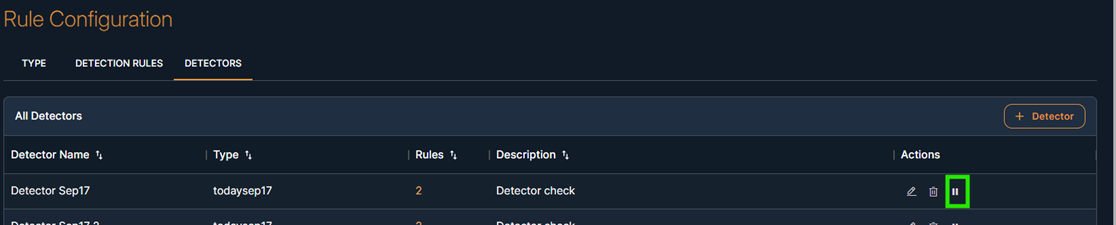
Detectors
The Detector section is used to group one or more Detection Rules under a named detector. This detector acts as a correlation logic block and will be used to generate incidents/alerts.
Navigation: Configurations > Rule Configuration > Detectors
Purpose: Detectors combine multiple detection rules and define the logic needed to trigger a correlation or incident.
On the Detector screen, You will see the newly created detector .And in the table, you can click "Edit" or “Delete” or “view” detector
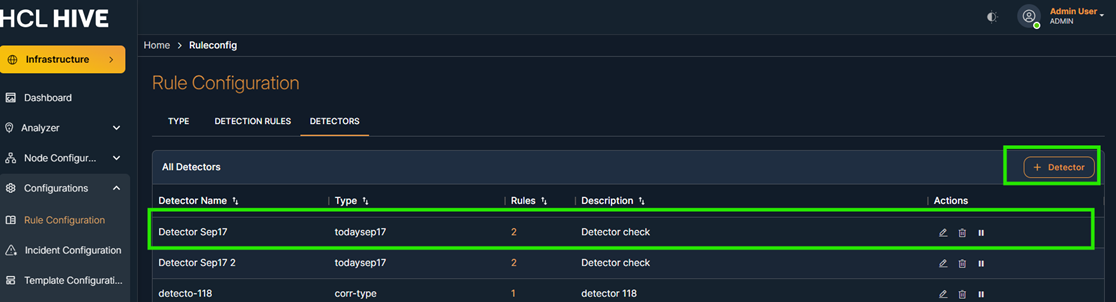
Steps to Add Detector:
- Click “+ Detector”
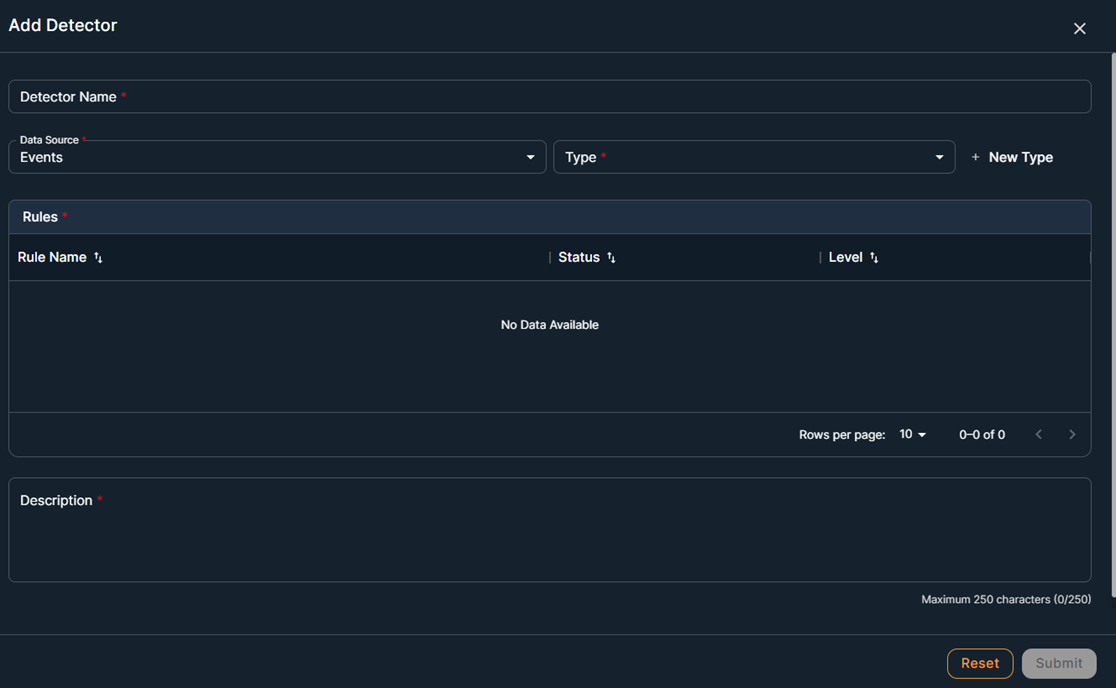
- Enter:
- Detector Name
- Type – Choose matching log type
- Description
- Select Detection Rules from the list
- Click Submit
Detectors are the final layer used for triggering incident alerts in the Event Correlation pipeline.
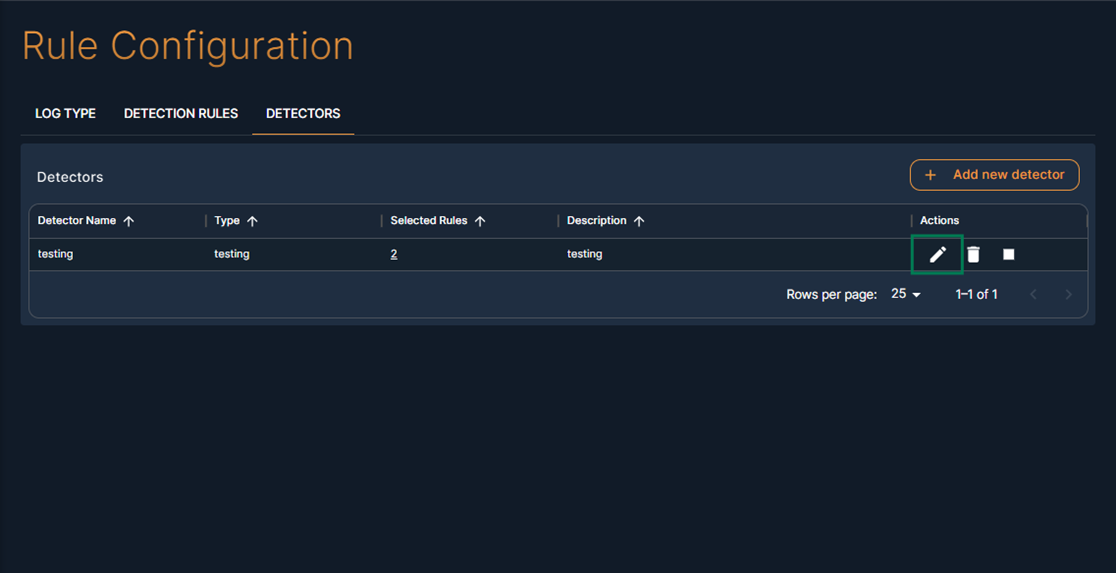
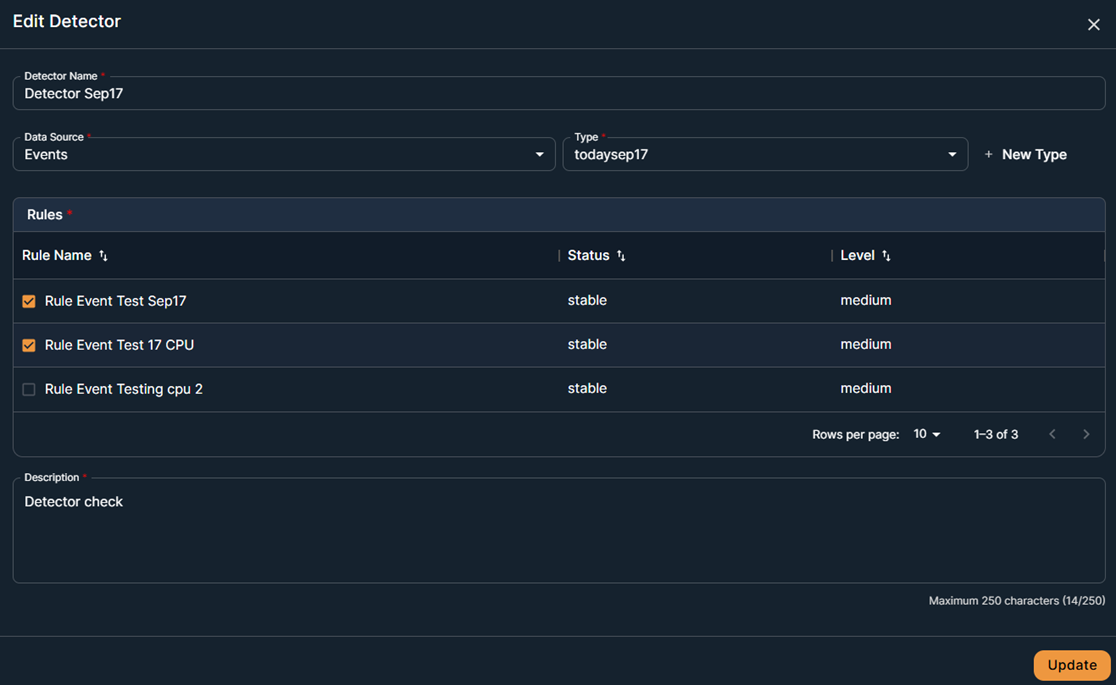
Steps to Edit Detector:
- Enter the required parameter
-
Click Submit
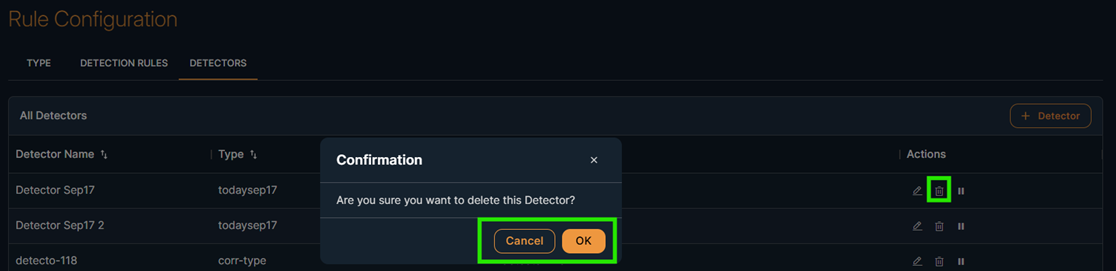
Steps to delete detector:
- Click on delete button
- Click OK to confirm the message in the pop-up dialog box.
After play , the user can see the incident. If Paused then incident can be stopped