
Node Configuration
Node Configuration allows administrators to onboard, configure, and monitor various nodes within the application. This section provides options to add new nodes, integrate with vCenter, and onboard nodes using SNMP. Proper configuration ensures that all nodes are monitored for performance and availability.
Click on the Node Configuration tab. The user will see several tabs:
- Nodes
- Add Node
- Object Groups
- SNMP Bulk Upload
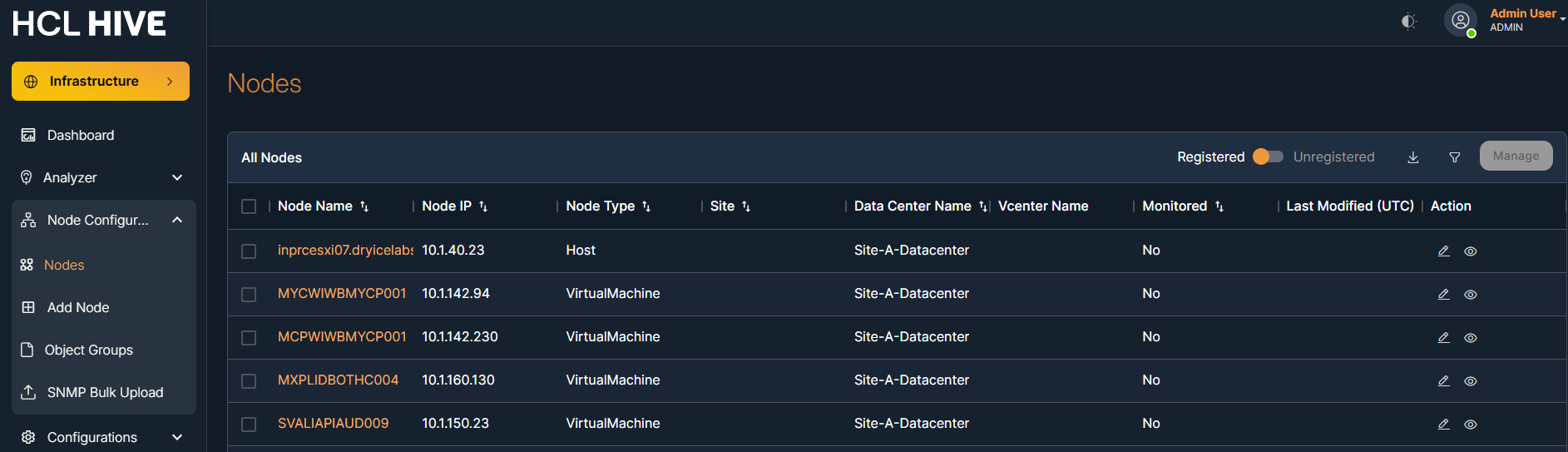
Above listed tabs help you to manage different types of nodes and their onboarding processes.
Navigating these tabs allows for efficient addition and monitoring of infrastructure components.