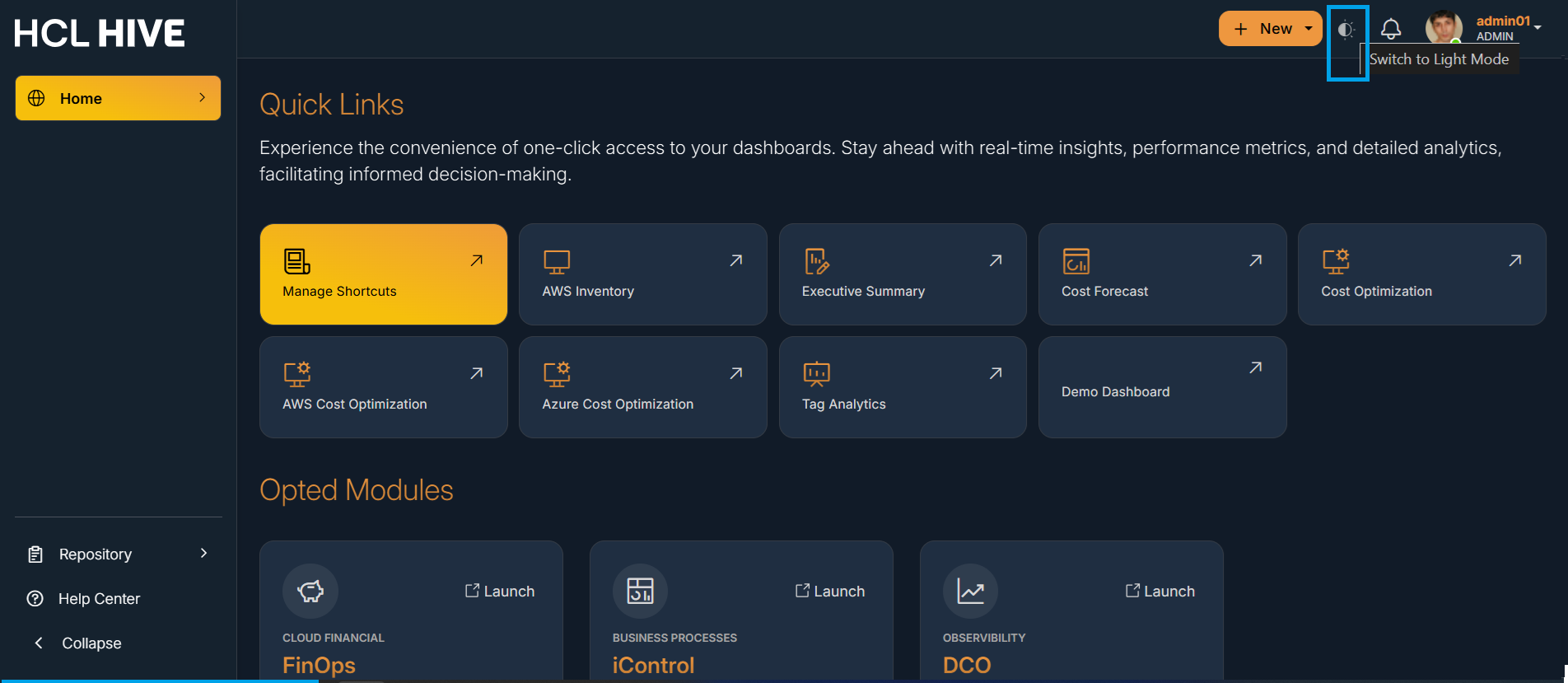
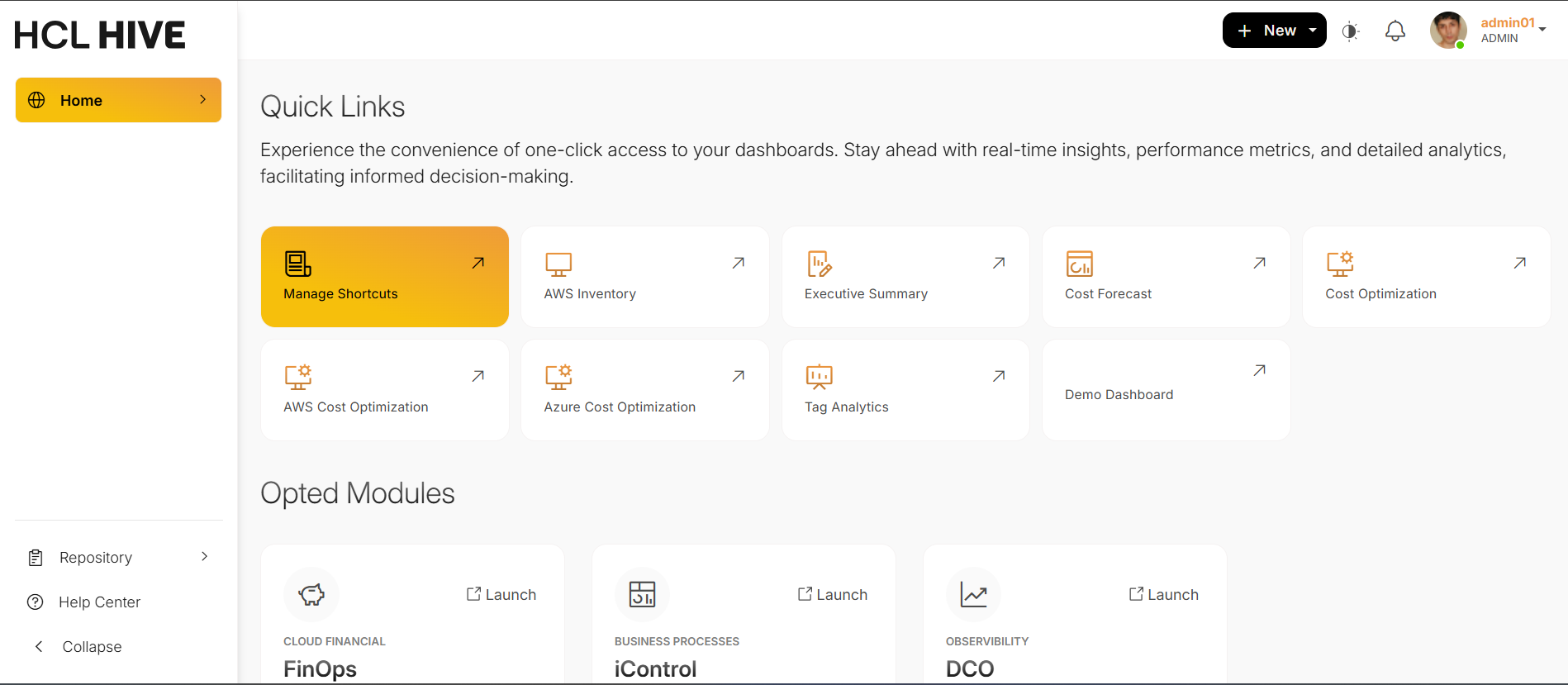
Users get the option to dynamically change the visual mode for HIVE. It further enhances
user experience with flexible UI personalization features, including resizable fonts for
accessibility, multi-language support for global usability, and toggle options for dark and
light modes to suit user preferences and working environments.Figure 1. Figure - Dark Mode and Icon to change the modeFigure 2. Figure - Light Mode