
Logs
This page allows viewing raw log messages collected from various system components.Figure 1. Figure - Logs Overview
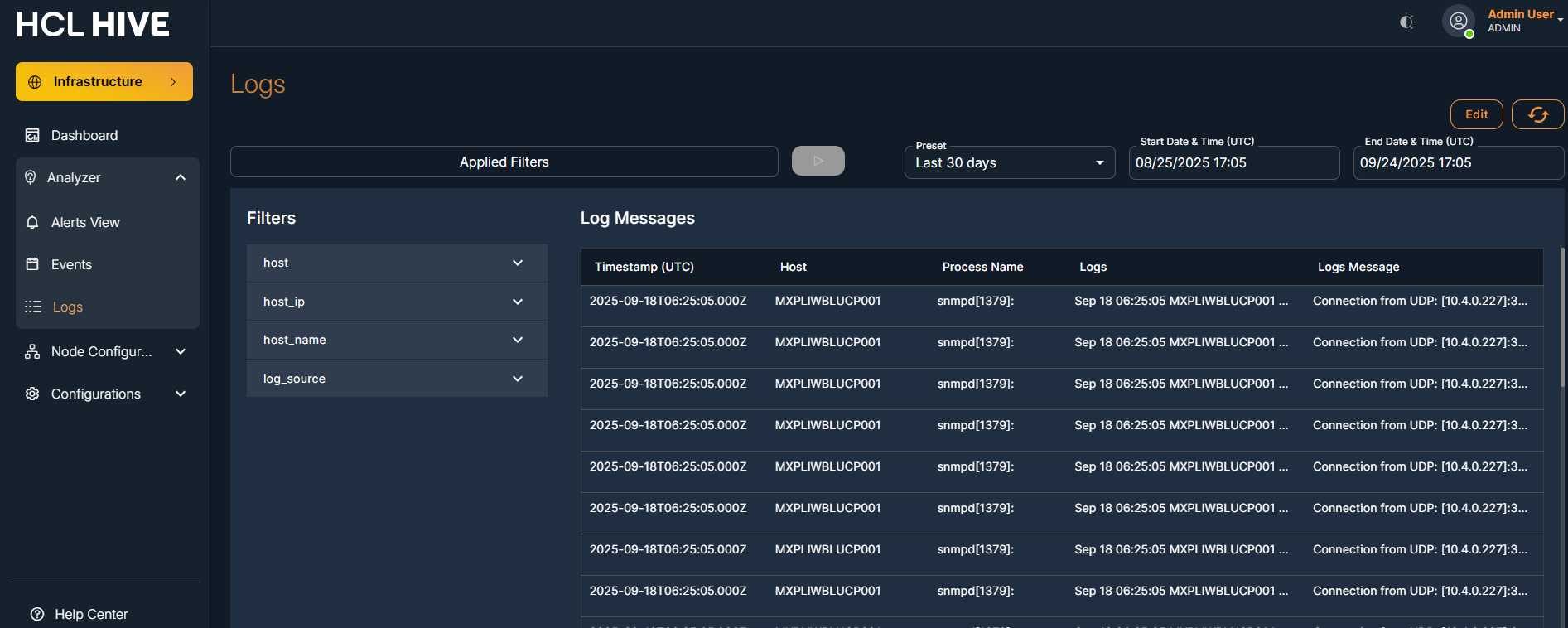
Key Elements:
| Field | Description |
| Filters Panel | Allows filtering logs by various categories: Docker, Kubernetes, Database, Host, VM, Web_Access, etc. |
| Log Messages Table | Displays filtered logs with the following columns: |
- Timestamp (UTC): Time when the log was recorded.
- Product: Source product/component.
- Log Level: Info, Warning, Error, etc.
- Log Message: Detailed message content.
- Log Source: Originating source/module of the log. |
- Preset Filter: Quick filter options like “Last 30 Days”, “Last 7 Days”, etc. |
- Custom Date Range: Select any custom time range using start and end date pickers.