Note: Only Administrator and EFT Supervisor type users have access to this module.
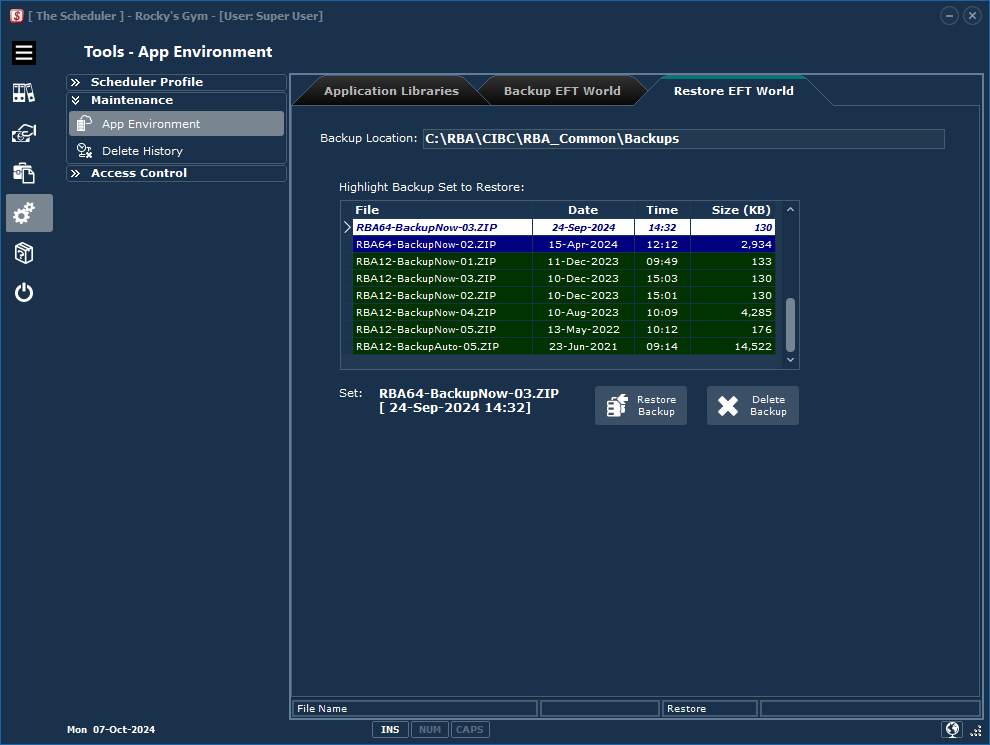
Click the Tools > Maintenance > App Environment category button sequence then the Restore EFT World tab.
Backup Location: |
The backup location is always a sub folder of the Application Library block base folder.. |
Backup Set Grid: |
The list of backups at the specified location. Highlight the row you wish to restore. Note: Version, 10,11 and 12 backups can be restored.
Click the Delete Backup button to delete the highlighted backup. |
Restore Backup: |
Run the task. The Scheduler will confirm that the process has been completed. |
|
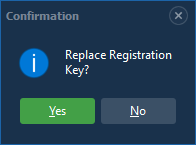
If you are restoring a Version 64 backup you will be asked if you wish to replace the current activation key. This feature ensures that if you are moving your setup to a new computer, your current registration information is restored into the "Trial" version installed on the new computer. |
|
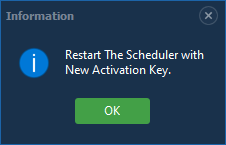
The Scheduler will close if you chose to replace the current activation key.
Restart the app with the new registration information. |