
|
|
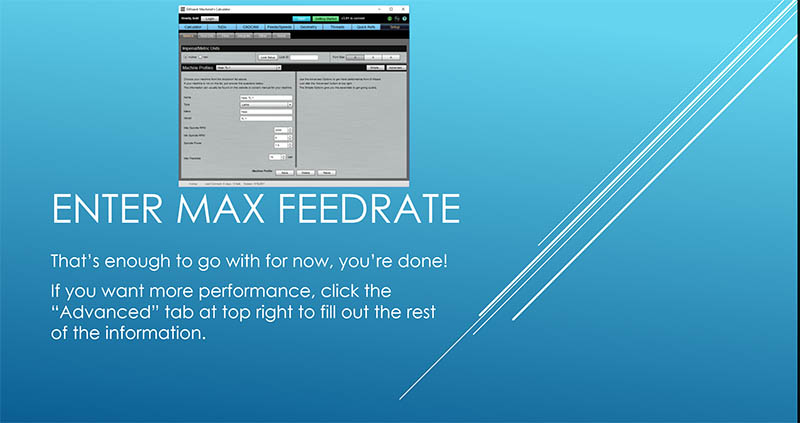
That's it, you're done with the basics and ready to figure feeds and speeds!
Don't forget to click "Save" at the bottom
to save all your info.
Do you want even better feeds and speeds from G-Wizard?
What you've got will get you going, but it's possible to do even better. Here are two cases to consider:
Case 1: Lightweight Hobby CNC Machine
G-Wizard can adjust for lightweight machines that have low rigidity. It's quick and easy to do. Click this link for details.
Case 2: Pro or Advanced User Wants MAXIMUM Performance
For even more performance, fill out the rest of the info under Setup by clicking the "Advanced" button at the top right of the Setup page in G-Wizard.
But, you don't need to in order to get started.
| Done! | 100% complete |
