Click the EFT Task category button and the EFT Preparation tab to initiate the process.
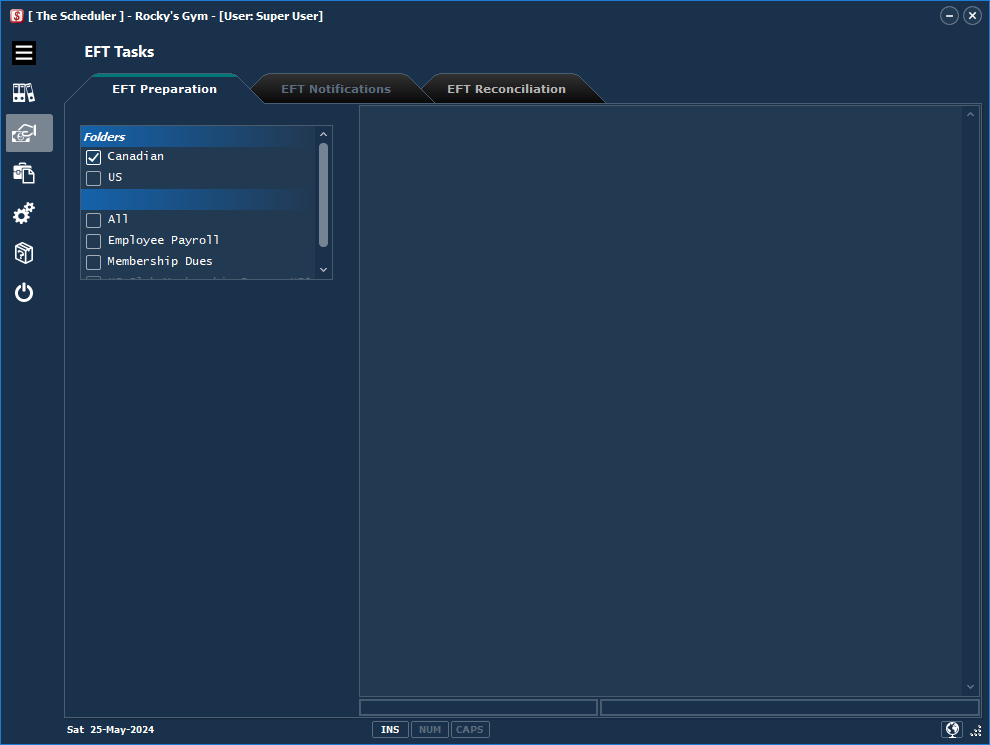
Preparing your EFT transmission file is a straight forward process. There are four methods:
1.From The Scheduler data. The Scheduler determines EFT transactions from the client information you have entered into the app.
2.From an import file as per The Scheduler specifications. See the Import Specifications section and the Importing EFT transactions tutorial for more information.
3.from a US ACH 94 format file. Many accounting systems have EFT File creation capabilities, but don't produce Canadian bank format files. We've built in a routine to read this format and prepare the the EFT file format required by your bank. See the Importing EFT transactions tutorial for more information.
4.From a Custom Import routine. We provide a development service creating links to various accounting and property management systems. If we've provided a plug-in for your organization, this will appear as a list box option for creating the EFT file.
How are you going to prepare your EFT batch?
oEFT - Recurring Transactions?
Important Note: Preparing EFT files requires exclusive use of client transactions and the complete process: preparing batch, previewing. creating the EFT file , generating required notifications; and uploading the EFT transmit file to the bank should be completed in one session before any further updates are done. or other users attempt to create EFT files. Failing to follow these "rules" could cause file corruption and sequencing errors.